
More than just a
Part-time job.
Your knowledge can help others.
Make your time count.
CROSS OVER THE
DIGITAL DIVIDE.
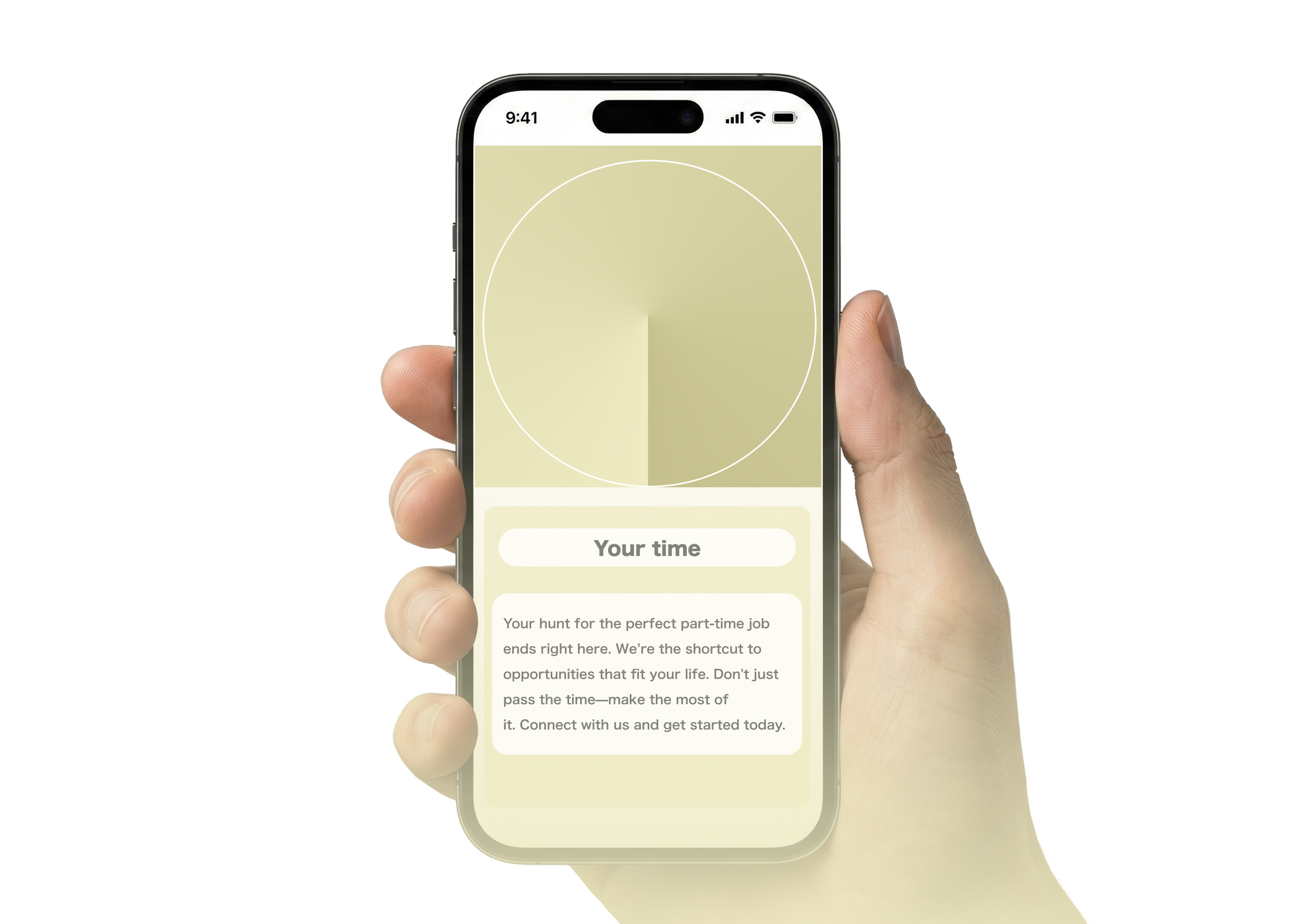
Teach Back is a service that empowers international students to share their tech skills with the elderly, helping the older generation stay connected in a rapidly changing world.


Let's start with the
WHYs and WHATs

Why should you care?
Teach Back allows you
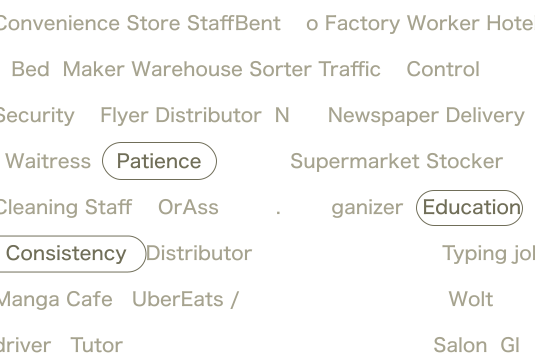
to move beyond the convenience store register. Work with your mind, not just your hands.

What do you get?
Simple. Professional. Rewarding.
¥6,000 for a standard 1-hour session teaching six learners. No complex shifts, just fair pay for meaningful work.

Why this works?
Value for your time.
Not only is it efficient, but you also get to share your culture with the majority population of Japan.
All You Need to Start

JLPT N2. So you can communicate smoothly.

Passion for Teaching.

Lead the Way,
Choose Your Topic
You get to pick what you want to teach.
A 6 month course to teach them the essentials from start to finish.
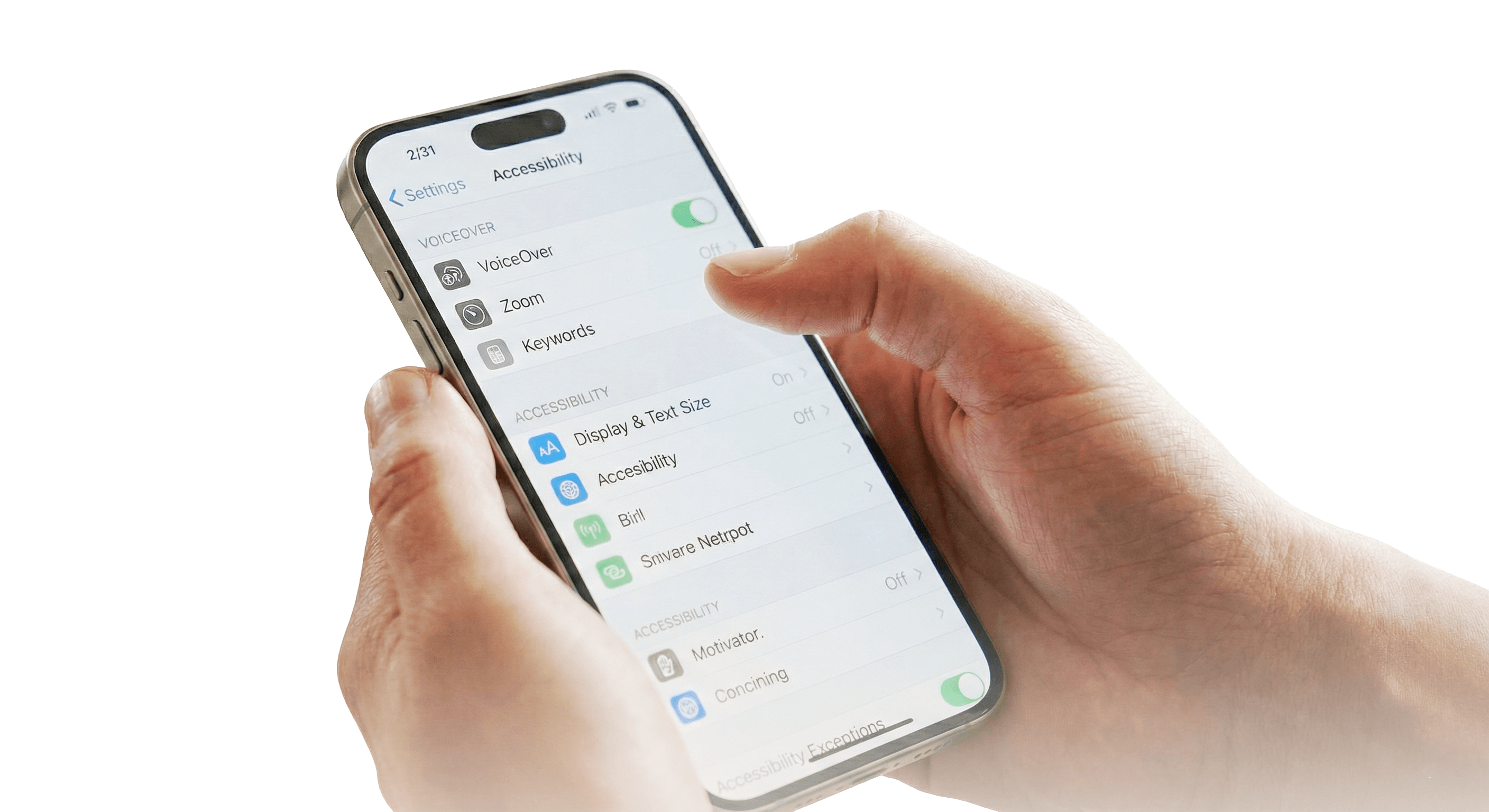
/Course
Outline

- Month 1: UI, accessibility, and gestures.
- Month 2: Paperless Tools. Scan docs, sync Calendars.
- Month 3: Digital wallets, Cashless Payments
- Month 4: Travel Tech. Check transit, and book taxis.
- Month 5: Cloud Storage. Backup photos and sync data across devices.
- Month 6: Online Services. Handle medical bookings and digital government forms.
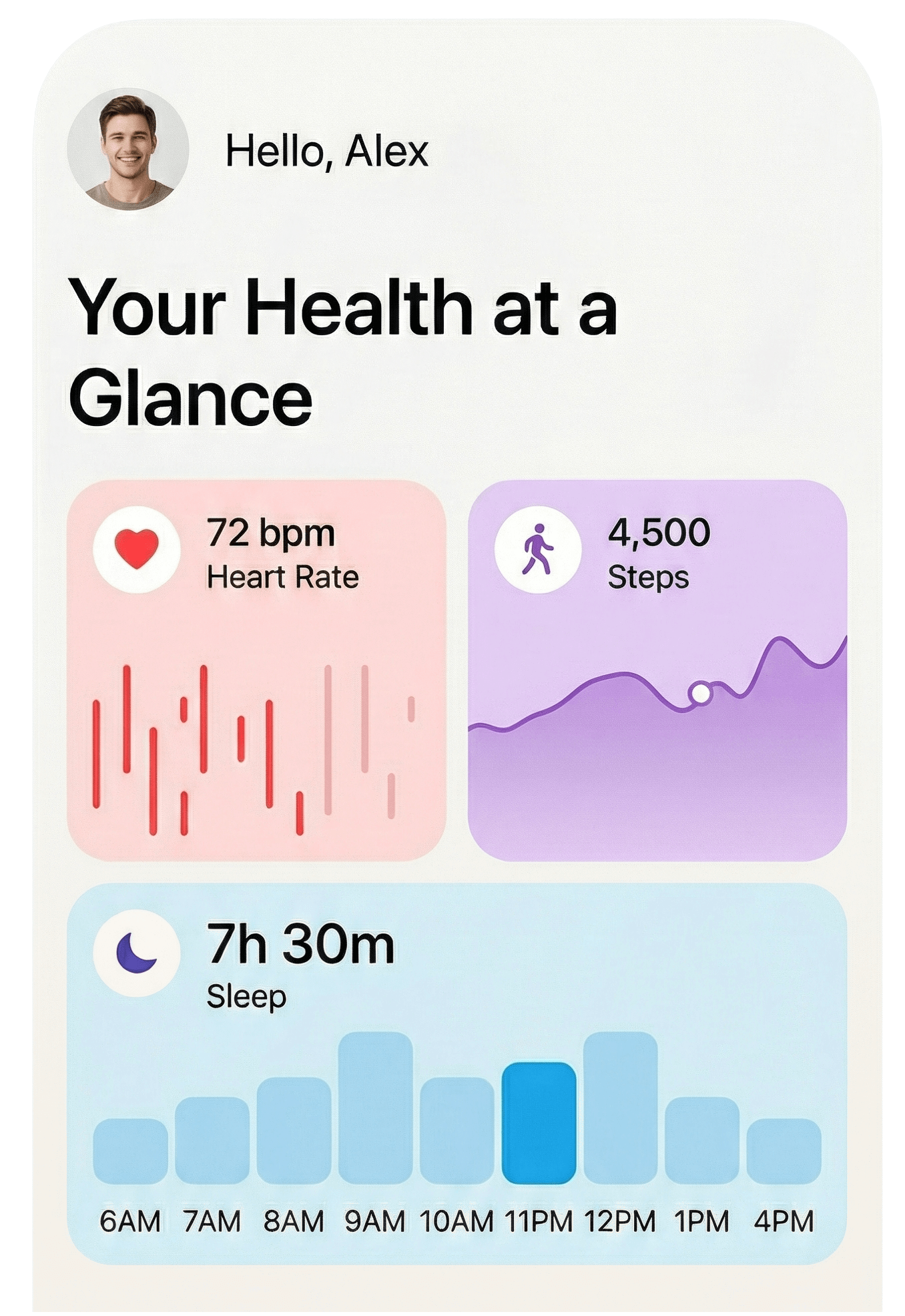
/Course
Outline
- Month 1: Voice Assistants. Alarms and reminders.
- Month 2: Wearables. Set up smartwatches for steps and fall detection.
- Month 3: Health Tracking. Read health data
- Month 4: Safety Features. Enable SOS alerts and share location.
- Month 5: Entertainment. Cast video to TV and control music by voice.
- Month 6: Smart Home. Install smart plugs and motion-sensor lights.

/Course
Outline
- Month 1: Video Calls. Master Zoom/Line video and screen sharing.
- Month 2: Voice Translation. Use real-time conversation apps.
- Month 3: Visual Translation. Read menus and signs via phone camera.
- Month 4: Global Content. Explore foreign culture via YouTube/Instagram.
- Month 5: Input Tools. Use voice typing and foreign keyboards.
- Month 6: Virtual Travel. Practice currency conversion and travel planning.

/Course
Outline
- Month 1: Locking Down. Install password managers and set up 2FA.
- Month 2: Email Safety. Identify phishing links and block spam.
- Month 3: SMS Scams. Recognize fake delivery texts and urgent warnings.
- Month 4: Media Literacy. Spot fake news and AI-generated images.
- Month 5: Social Privacy. Restrict profile visibility and manage friend lists.
- Month 6: Social Privacy. Restrict profile visibility and manage friend lists.
Not Sure Yet?
Try It Out for a Day.
We’re hosting an interactive session. Come connect with our team and your students! Lead a sample lesson to see if this role is the perfect fit for you—no strings attached.
Sign up for free!By signing up using email, I agree to the Terms & Conditions, and acknowledge the Privacy Policy.